
Positions and claims
Find wallet-linked positions, verify live state, and understand the cost of each action.
My positions is a discovery workspace for indexed token locks and vesting schedules where the connected wallet is the creator or beneficiary. Other products use their own management pages for airdrops, streams, staking, Digital Assets, and LP locks.
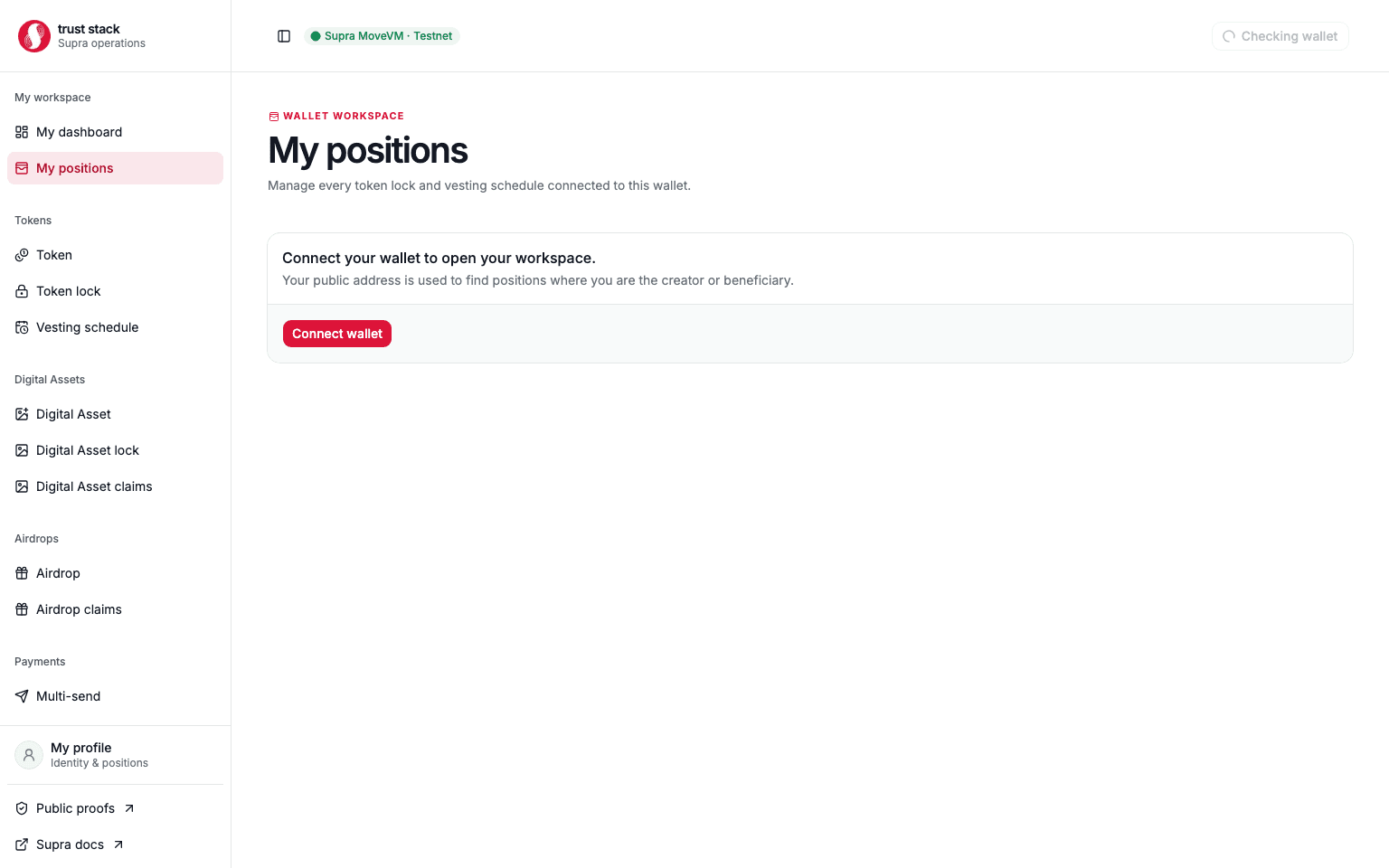
The page does not custody funds and does not decide whether a wallet may claim. Before a transaction, the destination page reads authoritative Move state and recomputes signer eligibility.
Find a position
- Connect the wallet that created or benefits from the position.
- Open My positions.
- Confirm Supra Testnet is selected.
- Filter by creator/beneficiary role and lifecycle status.
- Open the exact object and compare its address with the original transaction.
- Review authoritative on-chain state before signing any action.
Practical example
Alice is the beneficiary of one fixed token lock and one vesting schedule.
- My positions lists both after the indexer processes their creation events.
- Alice opens the fixed lock before maturity and sees that claiming is unavailable.
- After maturity, she claims the full lock with no protocol claim fee, paying only network gas.
- She then opens vesting, reviews
10,000 EXRgross claimable, a100 EXRprotocol fee, and9,900 EXRnet before signing.
The two claim flows have different fees even though they appear in the same discovery page.
Fees and costs
Browsing and filtering positions is read-only: it needs no transaction, protocol fee, or gas. A claim or management action follows the underlying product's rules:
| Underlying action | Trust Stack protocol fee | Other cost |
|---|---|---|
| Fixed token-lock claim | None | Beneficiary pays network gas |
| Vesting claim | 1% of gross released asset | Beneficiary pays network gas |
| Payment-stream claim | None | Beneficiary pays network gas |
| Staking reward claim or withdrawal | None | Participant pays network gas |
| Airdrop claim | None | Recipient pays network gas |
| Digital Asset or LP-lock claim | None | Beneficiary pays network gas |
The product page and final transaction review are authoritative for the exact action. See Fee governance.
Verify before claiming
Check:
- the complete position object address;
- connected wallet and expected beneficiary;
- token or object identity;
- gross amount, protocol fee, and net amount where applicable;
- maturity, cliff, campaign, or cancellation state;
- prior claims and current expected vault balance; and
- the transaction function and network shown in the wallet.
Never sign only because a position appears in a list. Indexing is a discovery aid, not transaction authorization.
Profile workspace
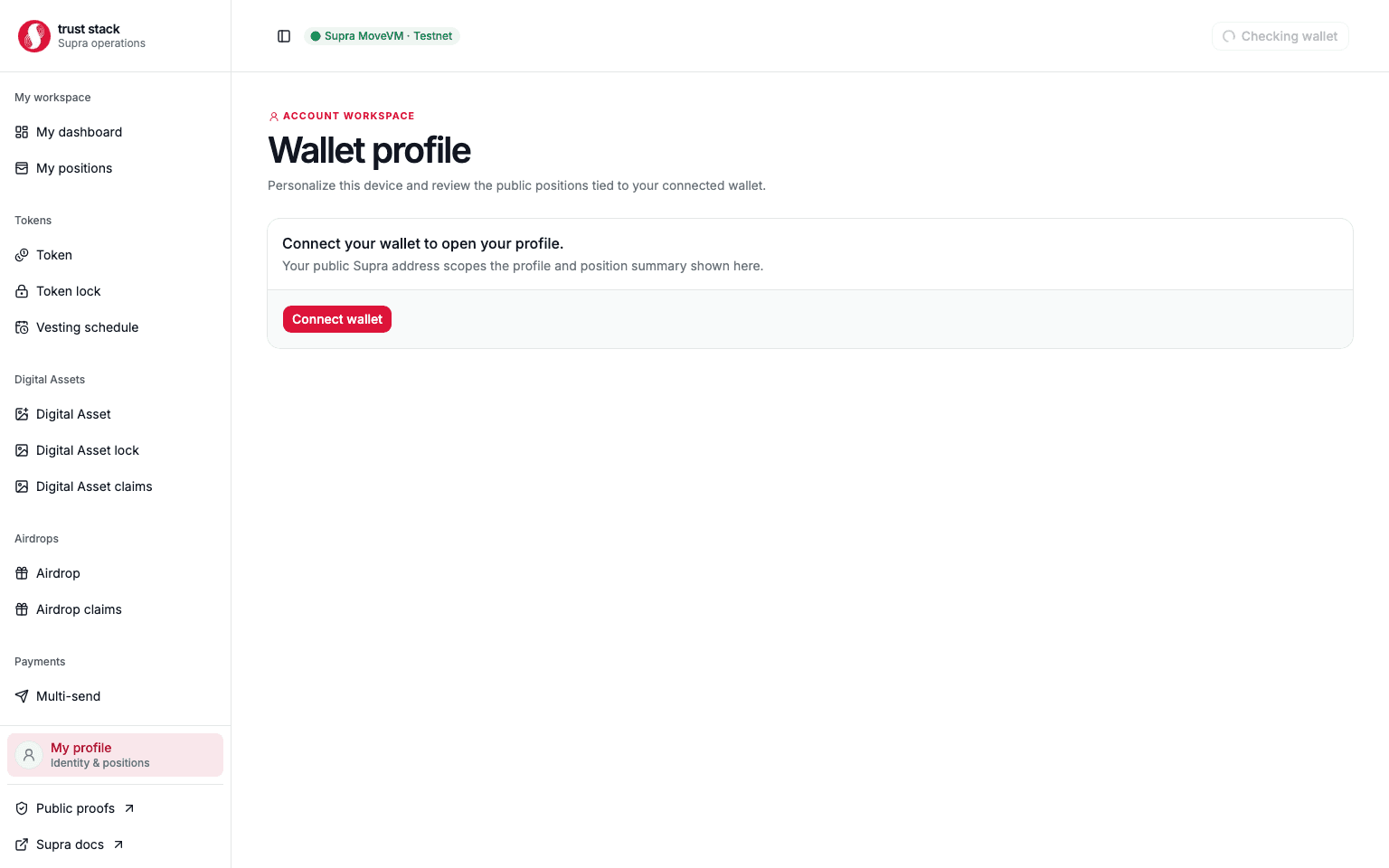
The profile page combines a browser-local display name and image with wallet-linked position counts. These preferences do not replace the address as on-chain identity, grant account authority, or change fees.
When a position is missing
- Confirm the same wallet address and Supra Testnet network.
- Open the creation transaction in SupraScan and verify successful finalization.
- Copy the exact emitted object address.
- Refresh after the indexer has processed the block.
- Use the direct management or claim route with the object address if discovery remains delayed.
A missing list item does not prove that creation or a claim failed. Current Move state and the transaction receipt remain the source of truth.
Common problems
- Wrong role filter: switch between creator and beneficiary.
- Claim disabled: confirm signer, current chain time, lifecycle state, and remaining claimable value.
- Unexpected fee: open the underlying product page and verify gross, fee, and net before signing.
- Duplicate-looking entries: identify positions by full object address and creation hash.
- Indexer delay: use authoritative direct reads instead of submitting another creation transaction.
Discovery is not authorization
Treat indexed data as a navigation aid. The dApp must reread current chain state immediately before signing so an old index record cannot authorize a stale, duplicate, or wrong-wallet action.